
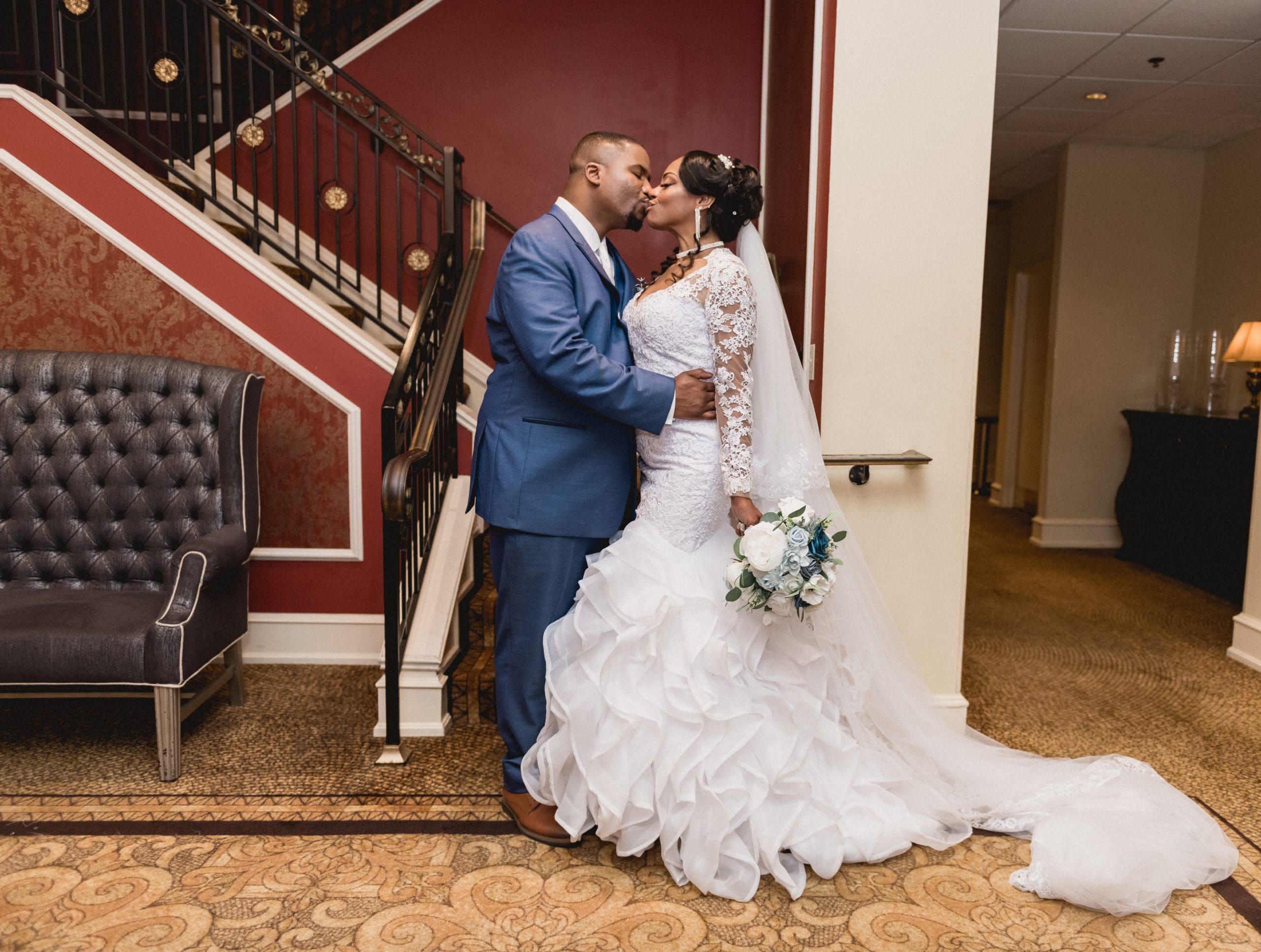
From Selfies to Showstoppers: Wedding Photo Apps That Elevate Your Album
Selfies to Showstoppers! Your wedding day is a whirlwind of emotions, laughter, and once-in-a-lifetime moments—but what happens when you want to relive them before your professional photos arrive? Or better yet, enhance your photographer’s shots with a personal touch?
Enter wedding photo apps—your secret weapon for turning smartphone snapshots into gallery-worthy memories and giving your professional images that extra polish. In this guide, we’ll share the best apps to elevate your wedding album, from pre-ceremony selfies to post-reception edits.
Why Wedding Photo Apps Matter
Even if you’ve hired a top-tier photographer, these apps help you:
📱 Preserve candid moments your photographer might miss.
🎨 Enhance professional photos before sharing them online.
✨ Create cohesive albums with filters that match your wedding aesthetic.
The Best Wedding Photo Apps for Every Need
1. For Editing Like a Pro: VSCO
Why It’s Great:
✔ Professional-grade filters (subtle and timeless).
✔ Advanced tools (exposure, grain, fade adjustments).
✔ No watermarks (perfect for Instagram).
Pro Tip: Use the HB1 or HB2 presets for soft, romantic tones.
2. For Instant Airbrushing: Facetune 2
Why It’s Great:
✔ Smooth skin without looking fake.
✔ Whiten teeth & brighten eyes in group shots.
✔ Reshape lighting for flawless portraits.
Best For: Touch-ups on getting-ready selfies.
3. For Fun, Disposable-Style Pics: Dispo
Why It’s Great:
✔ Retro film camera vibe (nostalgic grain and light leaks).
✔ Delayed “developing” feature (adds anticipation).
Perfect For: Casual behind-the-scenes shots.
4. For Stunning Collages: Unfold
Why It’s Great:
✔ Elegant templates (ideal for Instagram Stories).
✔ Custom fonts and layouts (matches your wedding theme).
Try This: Create a “How We Met” collage for your rehearsal dinner.
5. For Magical Double Exposures: Afterlight
Why It’s Great:
✔ Blend two photos (e.g., your dress + venue architecture).
✔ Film-style textures (light leaks, dust effects).
Creative Idea: Overlay your engagement ring with a floral detail.
6. For Professional-Level Color Grading: Lightroom Mobile
Why It’s Great:
✔ Match your pro photos’ editing style.
✔ Save custom presets (for cohesive Instagram feeds).
Pro Move: Ask your photographer for their Lightroom preset!
7. For Sharing Privately With Guests: The Guest
Why It’s Great:
✔ Private photo-sharing hub (guests upload their snaps).
✔ No social media clutter (just your wedding memories).
Bonus: Great for collecting candids from elderly relatives.
How to Use These Apps Like a Pro
Before the Wedding
-
Test filters during your engagement shoot.
-
Create a shared album for bridal party selfies.
During the Wedding
-
Designate a “phone photographer” (to capture moments your pro might miss).
-
Use Dispo or The Guest for real-time sharing.
After the Wedding
-
Touch up professional sneak peeks (brighten, crop, or add a preset).
-
Make a highlight reel with apps like Canva or InShot.
Real Bride Example: How One Couple Elevated Their Album
“Our photographer gave us 10 sneak peeks, but I wanted to post one ASAP. I used VSCO to match her editing style—no one could tell it wasn’t the final version!”
Final Thought: Your Photos, Your Way
Your wedding memories deserve more than just smartphone snapshots. With these wedding photo apps, you can bridge the gap between casual and professional—while adding your personal touch.
Want More Wedding Tech Tips?
We help couples plan smarter, not harder. Book a consultation for our favorite photo hacks!
May 20, 2025
Leave a Reply Cancel reply

BB Photo & Associates is a collective of professional wedding storytellers devoted to creating cinematic films and photographs that embody modern elegance and enduring beauty.
From coast to coast, we proudly celebrate and serve couples of every background, faith, and identity because love, at its core, is universal.


Be the first to comment